
Fortuna Casino Login
Sign up today and gain instant access to your account in under two minutes.
Games at Fortuna Casino






Game Library






Logging into Fortuna Casino takes less than two minutes using your email and password. If it doesn't work, the solutions below handle forgotten passwords, locked accounts, verification delays, and app access, each with a step-by-step guide.
How to Log In: Step-by-Step
You log in with the same email and password you created during registration, whether on the website or the mobile app.
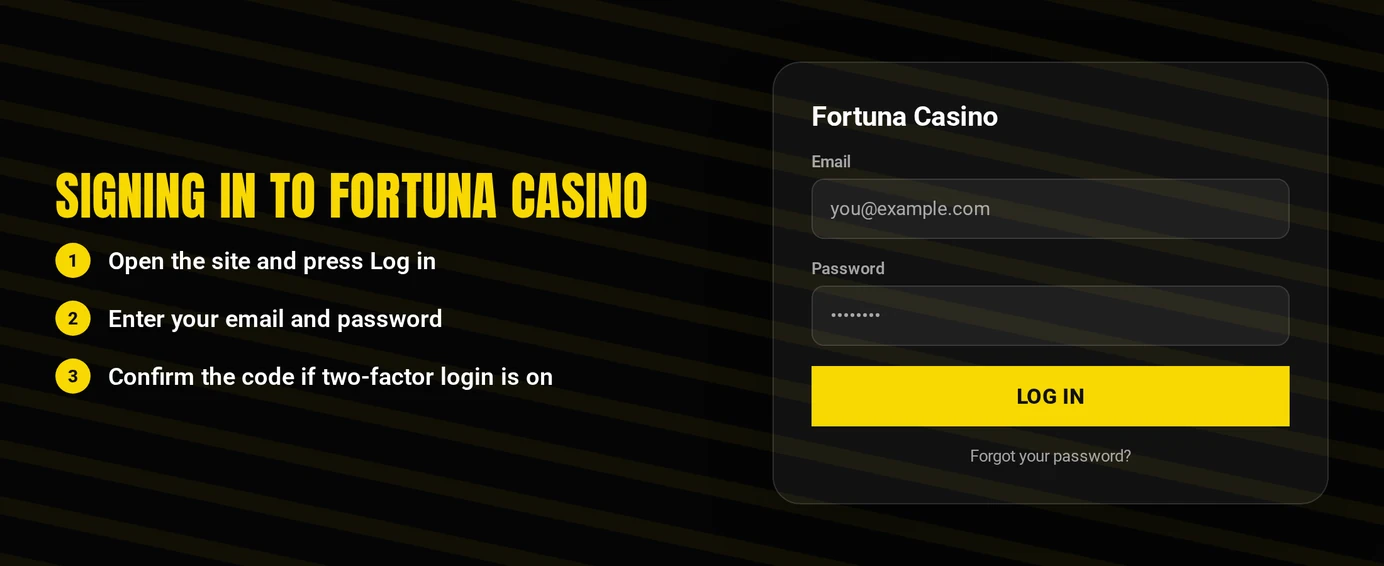
Start by opening the official Fortuna Casino website in your browser, or open the app.
Select the Log In button.
Type in the email and password linked to your account.
Send the form and provide any verification code the system requests.
Manually type the website address or download the app from the official store. Links sent in messages or on unofficial mirror sites may lead to fraudulent login pages designed to steal your password.
Login Problems and Fixes
Almost all login failures are due to one of six common issues. Identify your problem in the table and follow the corresponding solution.
| Problem | Likely Cause | Quick Fix |
|---|---|---|
| Wrong password error | Typo, caps lock or an old password | Retype carefully, then use the password reset |
| Account locked | Repeated failed attempts or a restriction on the account | Follow the locked account flow below |
| KYC pending | Identity check not completed | Finish verification or ask support for its status |
| VPN or proxy active | Masked location breaches the terms | Switch it off and sign in again |
| Verification code not arriving | Wrong contact detail or filtered message | Check spam, confirm your details, request one new code |
| Page loops back to login | Stored cookies or cached data | Clear cookies and cache for the site |
Deleting your browser data often resolves repeated login loops and unexpected logouts after periods of inactivity.
- Go to your browser's settings and locate the section for cookies and site data.
- Remove cookies and cached files specifically for the Fortuna Casino website.
- Close all browser tabs and restart the browser completely.
- Try logging in again, or test the login in a private browsing window.
How to Reset Your Password
You complete each step of the reset process yourself, and your new password works immediately after you save it.
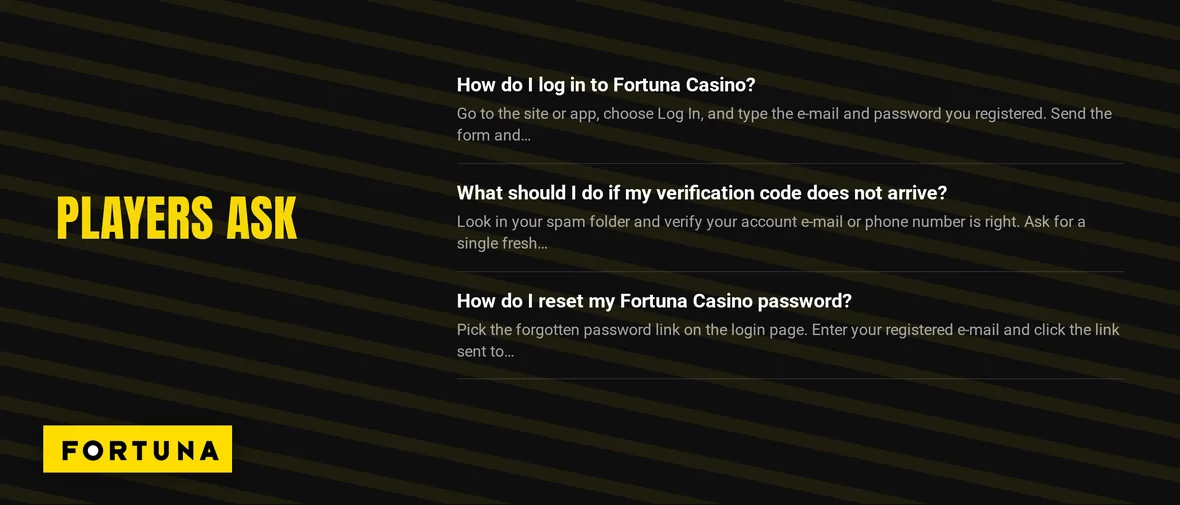
- From the login screen, choose the option for a forgotten password.
- Input the email address associated with your account.
- Open the email you receive and click the reset link inside. Look in your spam folder if you don't see it within a few minutes.
- Create a new password, then confirm and save the change.
- Use the new password to log in.
Pick a password unique to this site, and do not reuse your email password. If the reset email is missing, double-check the address you entered matches your registered one, then get in touch with support.
Account Locked or Suspended
An account lock can have different causes. Before contacting support, review these common issues: failed login tries, an incomplete ID check, an active self-exclusion, or a VPN being used.
- Your step: pause repeated login tries and use the password reset just once.
- Your step: search your email inbox and spam folder for any casino notifications.
- Your step: reach support via live chat or email and provide the address linked to your account.
- Support's step: examines the account and explains why it was restricted.
- Your step: finish any verification support asks for. You regain access once support confirms the account is in order.
Self-exclusion follows specific rules. Czech and Slovak laws maintain national self-exclusion registers. A lock from this register is intentional and will not be removed upon request. If gambling harms you, contact GamCare's National Gambling Helpline at 0808 8020 133 (gamcare.org.uk).
KYC Verification
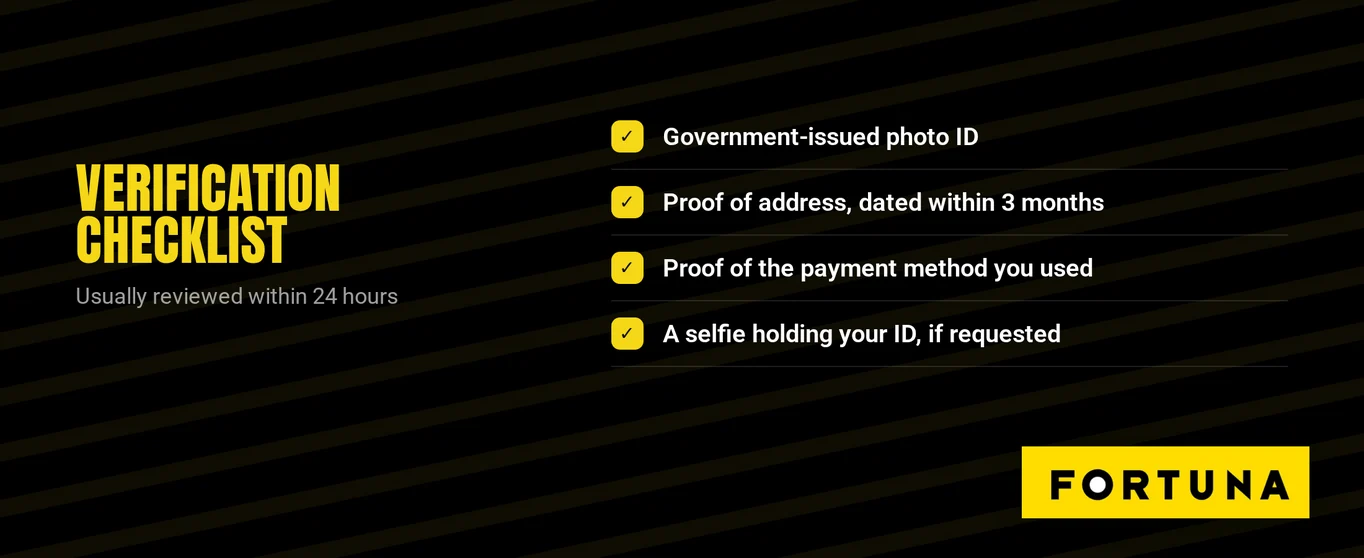
Czech and Slovak gambling laws mandate identity checks against the national player registry around the time of real-money play. An incomplete verification can block access to real-money games, even with the right password.
- Your step: log in and complete any on-screen verification instructions.
- Your step: check with support in live chat about what details or documents your account requires.
- Your step: provide precisely the items support specifies.
- Support's step: informs you of the outcome once the verification finishes.
- Your step: log back in. Real-money play will be available after verification is successful.
VPN Policy
Using a VPN or proxy violates Fortuna Casino's terms. The solution is to disable it before logging in, not to change servers.
- Close any VPN application on your phone or computer.
- Turn off proxy settings in your browser or operating system.
- Turn off any browser add-ons that hide your real location.
- Refresh the login page and enter your details again.
Logging In via Mobile App
Your website login details work for the app. The mobile-friendly site also runs in any browser, no download needed.
| Platform | Where to Get It | Details |
|---|---|---|
| iOS | App Store, listed as Fortuna Casino | iOS 15.0 or later, about 90 MB |
| Android | Google Play (100K+ downloads) | Direct APK from the brand's own CDN for Huawei and devices without Google Play |
| Browser | Mobile-responsive site | No installation needed |
- Launch the app and press Log In.
- Type in your e-mail address and password.
- If the app says your details are wrong, update it and attempt to log in again.
- If that doesn't work, test the website to see if the problem is just with the app.
Contact Support
Support agents speak Czech and Slovak. Keep your registered e-mail handy so they can locate your account fast.
| Channel | Details |
|---|---|
| Phone | +420 267 218 218, 8:00-21:00 CET |
| Live chat | Available online |
| Contact form | Available online |
| In person | Fortuna branch offices |
Live chat is fastest for lockouts, as agents can review your account live. Phone lines shut at 21:00 CET, so use chat or e-mail in the evening.